 الإمارات
۹۷۱٥۲٥۰٦۲۷۷۲+
الإمارات
۹۷۱٥۲٥۰٦۲۷۷۲+
 Login with Google



This item is sold by


الوصف
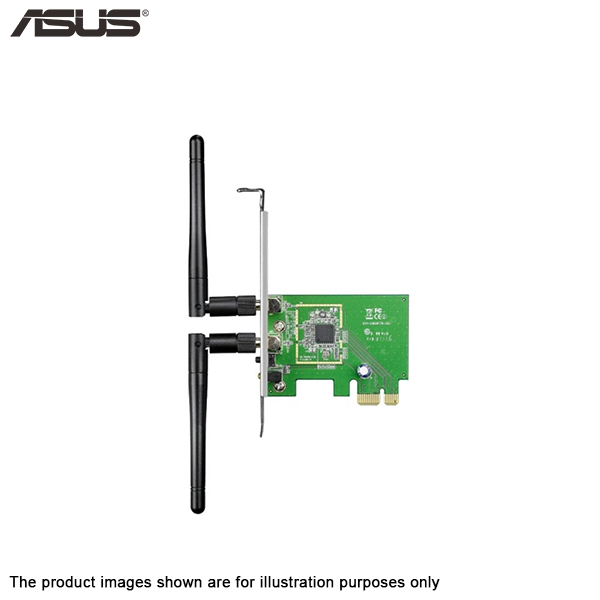
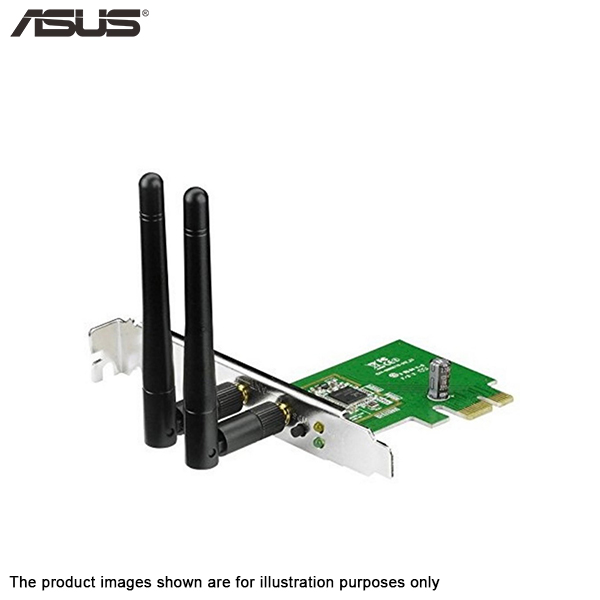
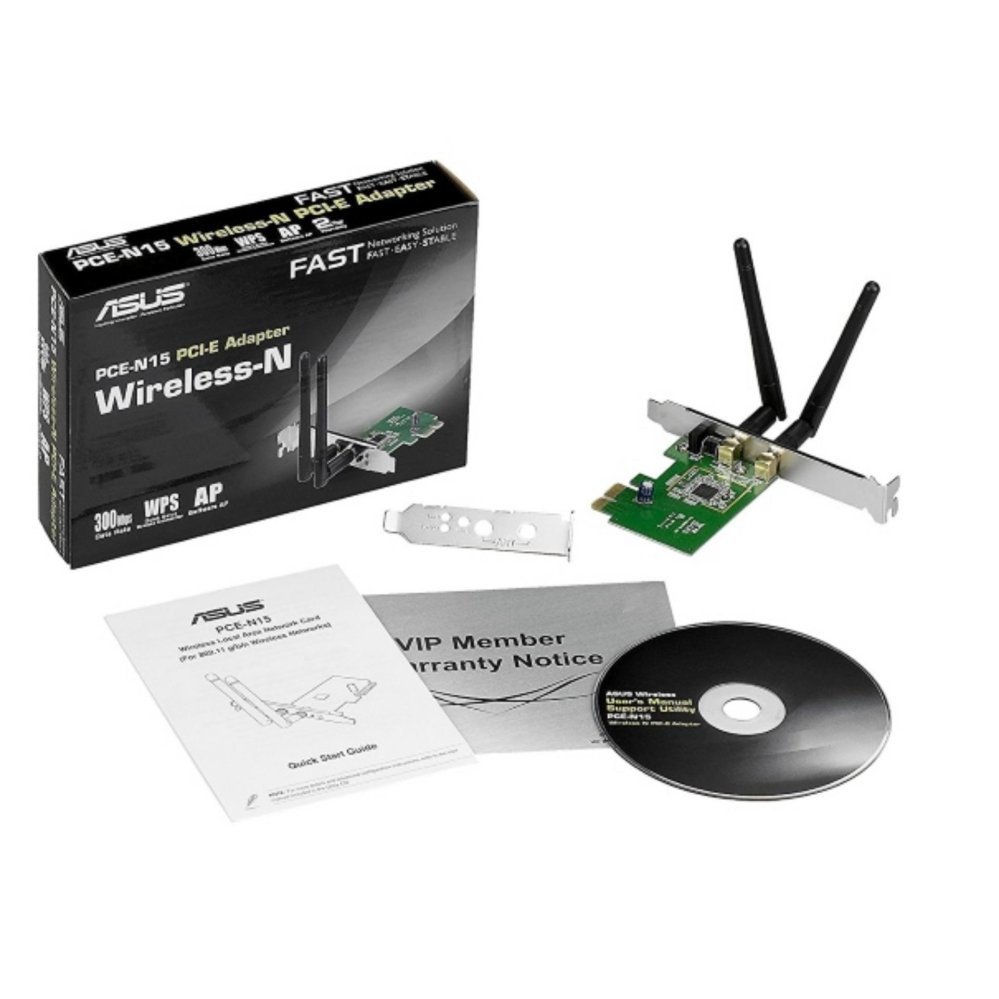
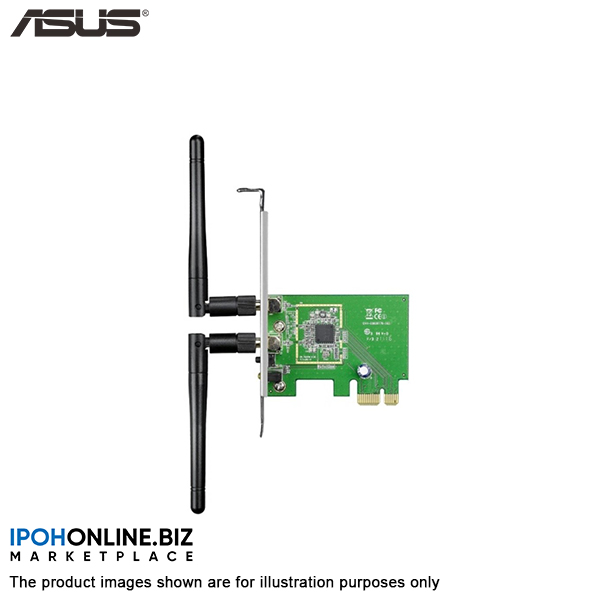
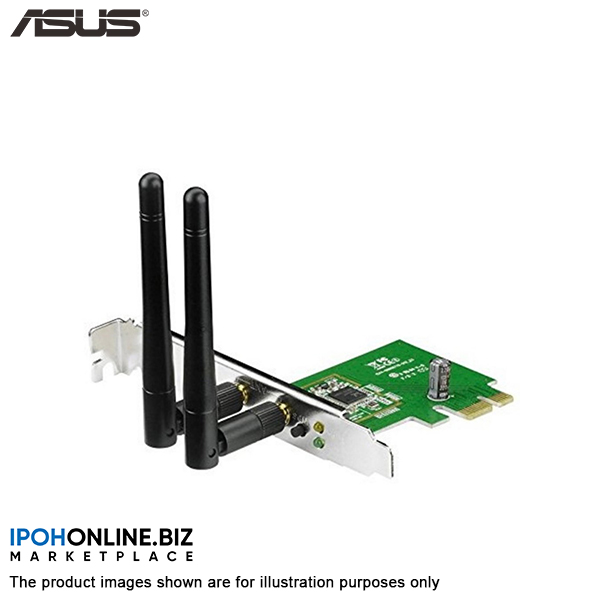
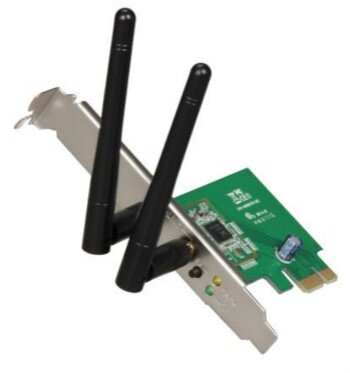
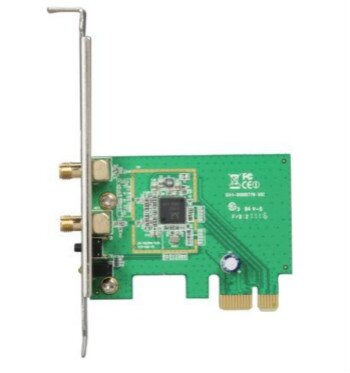
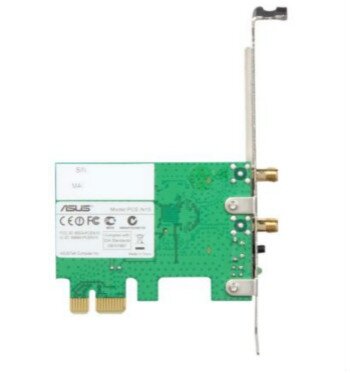
300Mbps 802.11b/g/n Wireless PCI-E Adapter
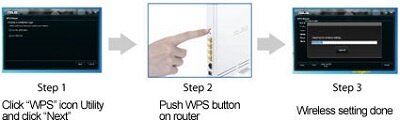
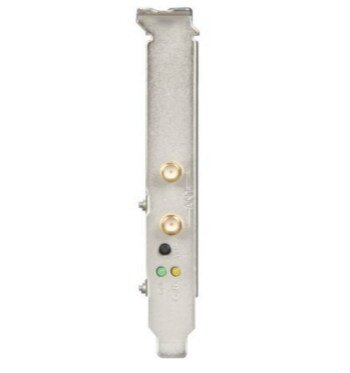
FeaturesWPS (Wi-Fi Protected Setup) Button Here's how to quickly set up a secure wireless connection. Press the Hardware WPS button on the PCE-N15 about three seconds, then press the WPS button on the router as well. You can choose to use WPS software, enabling the WPS utility in the WPS Wizard interface. Finish the setup with three steps.
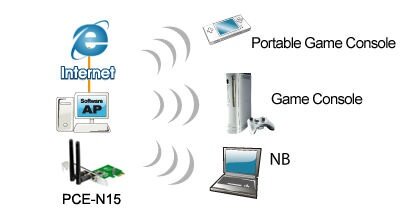
Software AP Software AP mode allows the WLAN card to act as a virtual access point. The computer needs to be connected to a wired network using an Ethernet connection in order to provide network access to a WLAN client.
Gallery
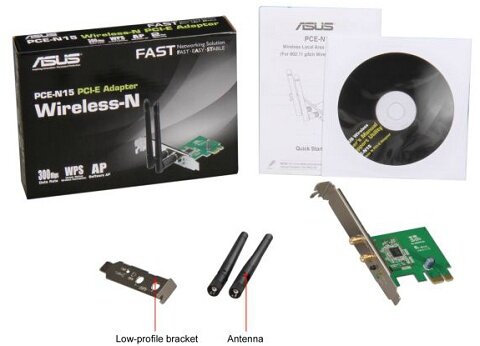
What's In The Box
|
تقيمات
لا توجد تعليقات بعد.