سوق رمان دولياً
  السعودية
  الكويت
  أمريكا
  مصر
مصر 
 UAE
+971525062772
UAE
+971525062772
 Login with Google



الوصف
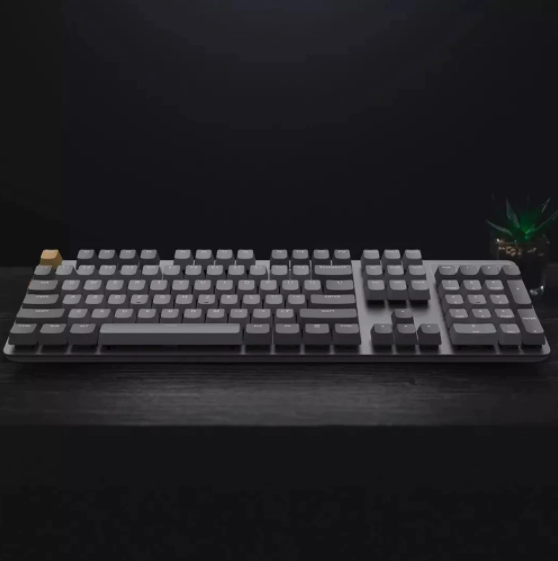
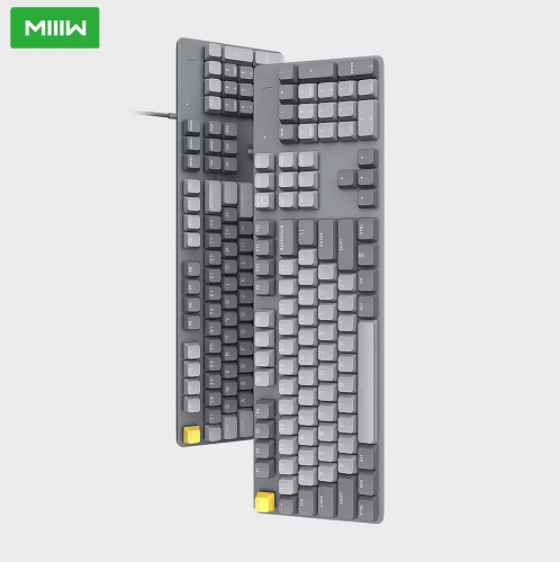
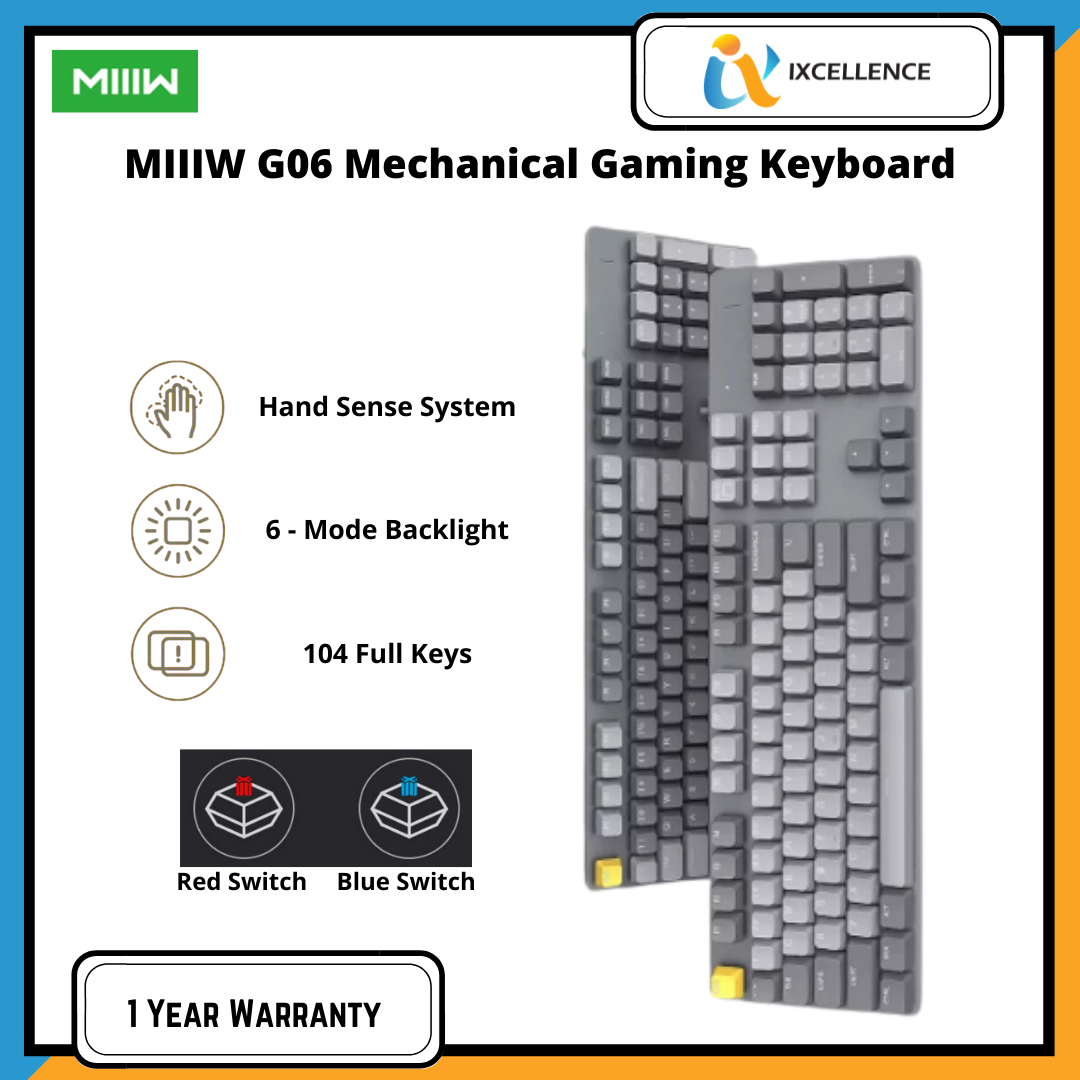
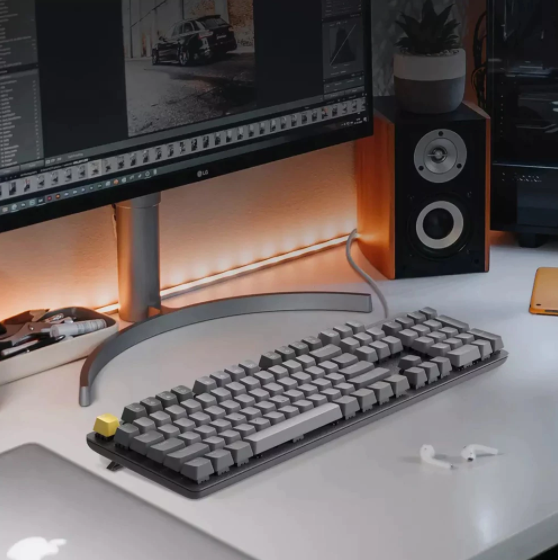
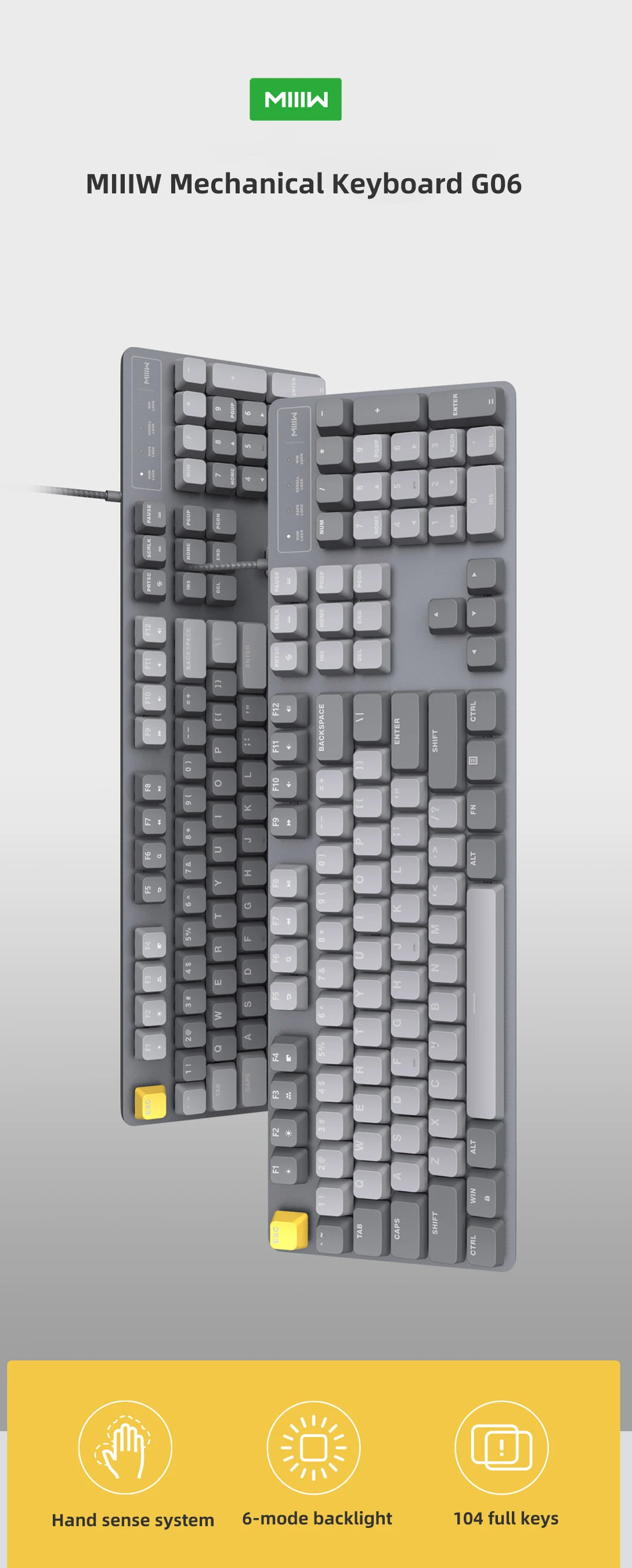
شاومي لوحة مفاتيح العاب ميكانيكية MIIIW G06 بإضاءة خلفية و104 مفتاحًا

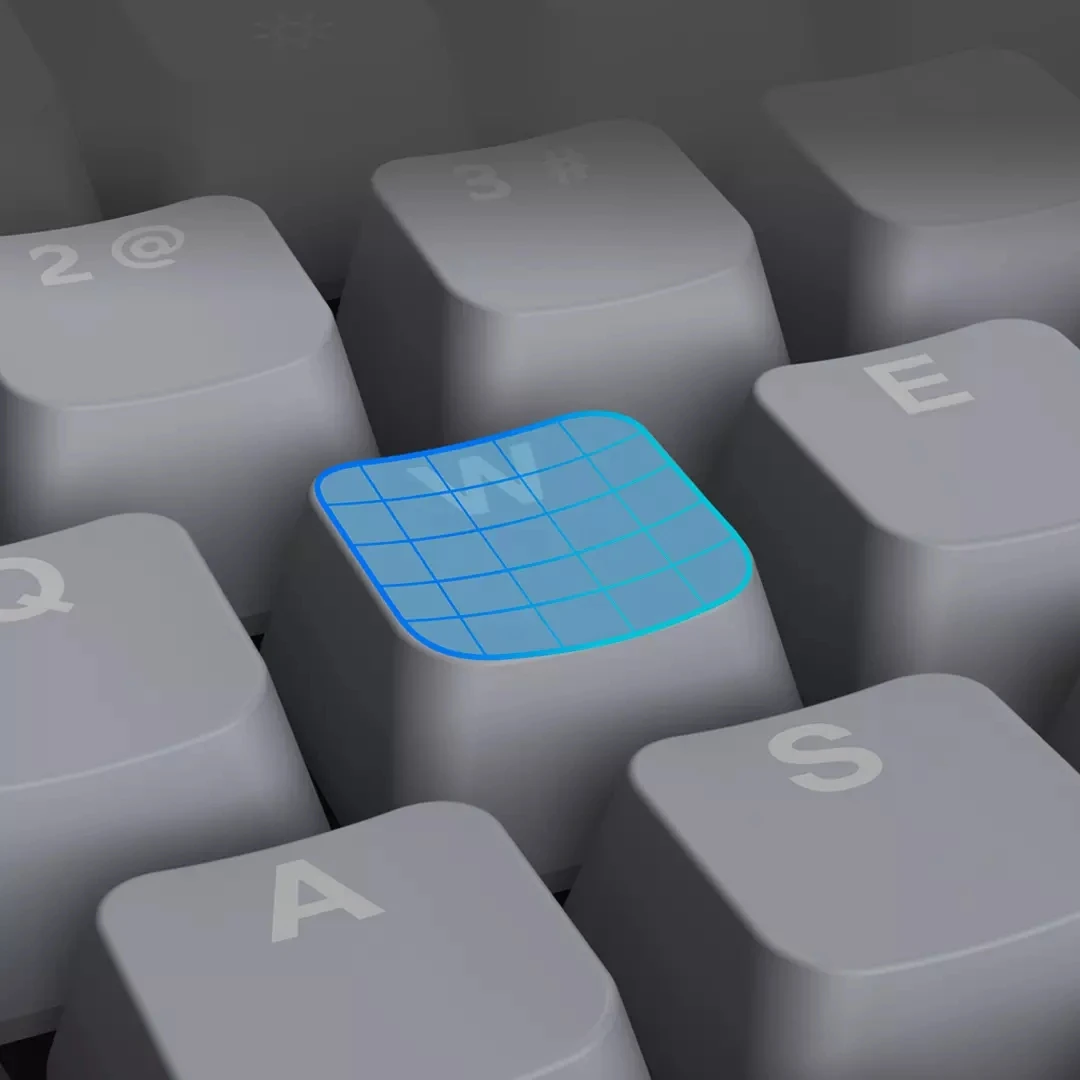
More comfortable control experience
The hand sense system is a new control concept proposed by MIIIW
The laboratory collects multiple data and carefully adjusts the design of keycaps, pressing rebound force, and tilt angle, which greatly enhances the comfort of operation.
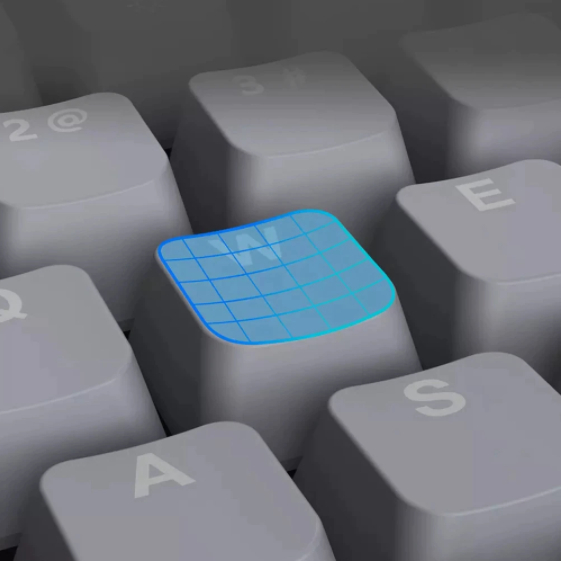
Hand sense system
The rounded button outline and enlarged R-angle design make it soft to the touch. The large key surface is slightly concave for more stable percussion.
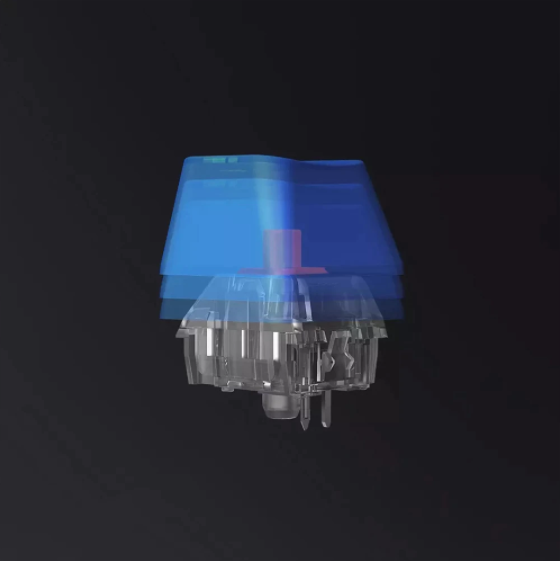
Precise control of elastic design
The elastic design made to improve work efficiency has agile rebound and no sense of paragraph in the triggering process. Complete office tasks efficiently in a comfortable feel.
Key stroke: 4.0mm
Trigger stroke: 2.0mm
Down force: 0.5N

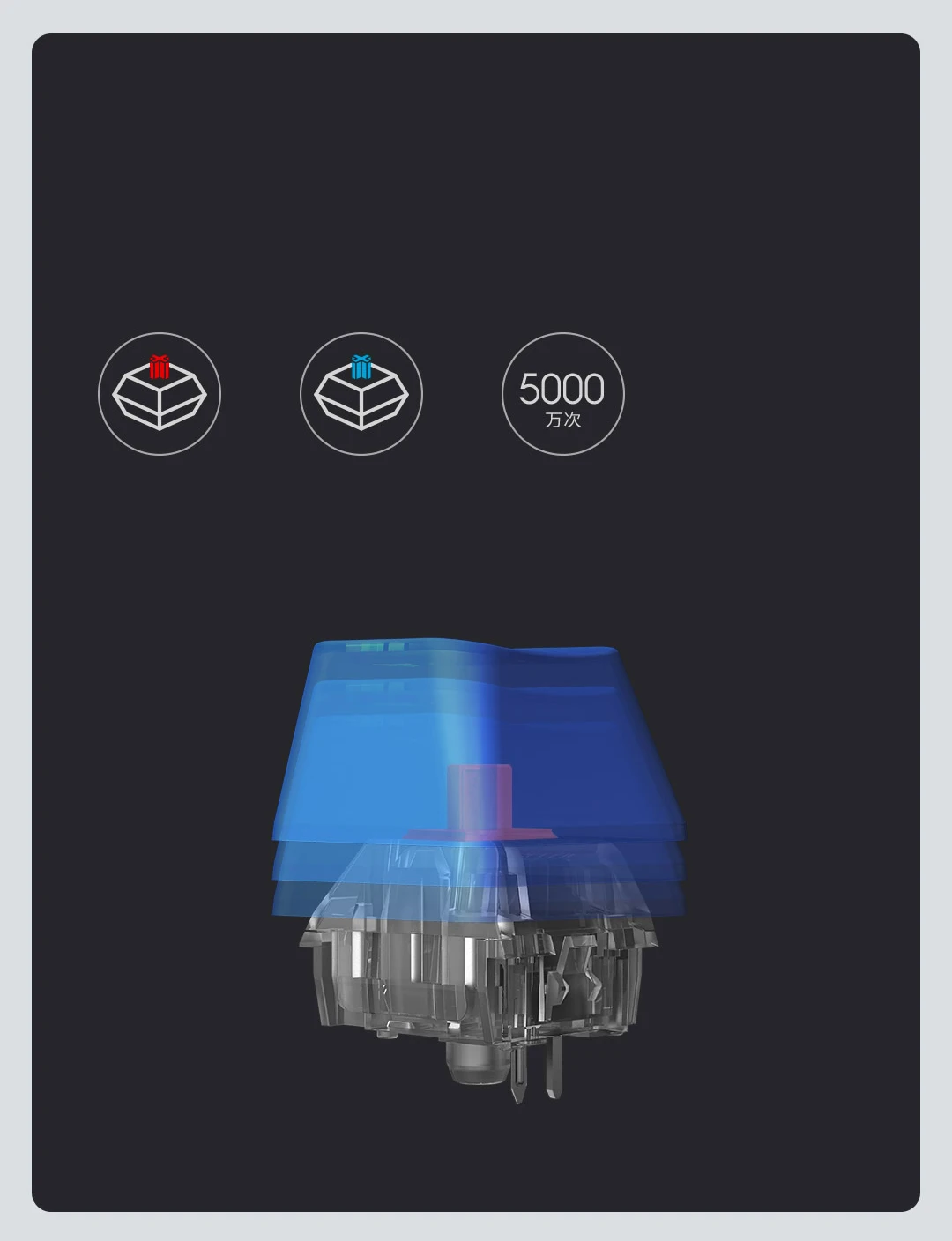
Durable shaft is smooth and reliable
High-quality mechanical shaft, up to 50 million times of pressing life
Durable and reliable. One touch, quick game, easy office
50 million times, long press life
High-quality red axis, smooth and no sense of paragraph
High-quality green shaft, crisp passage feeling
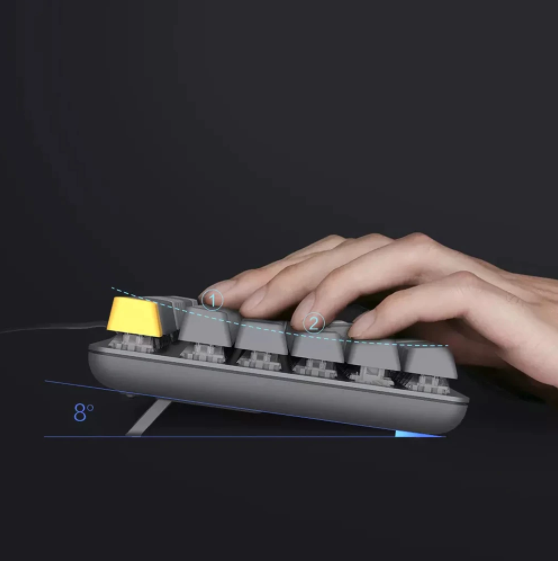
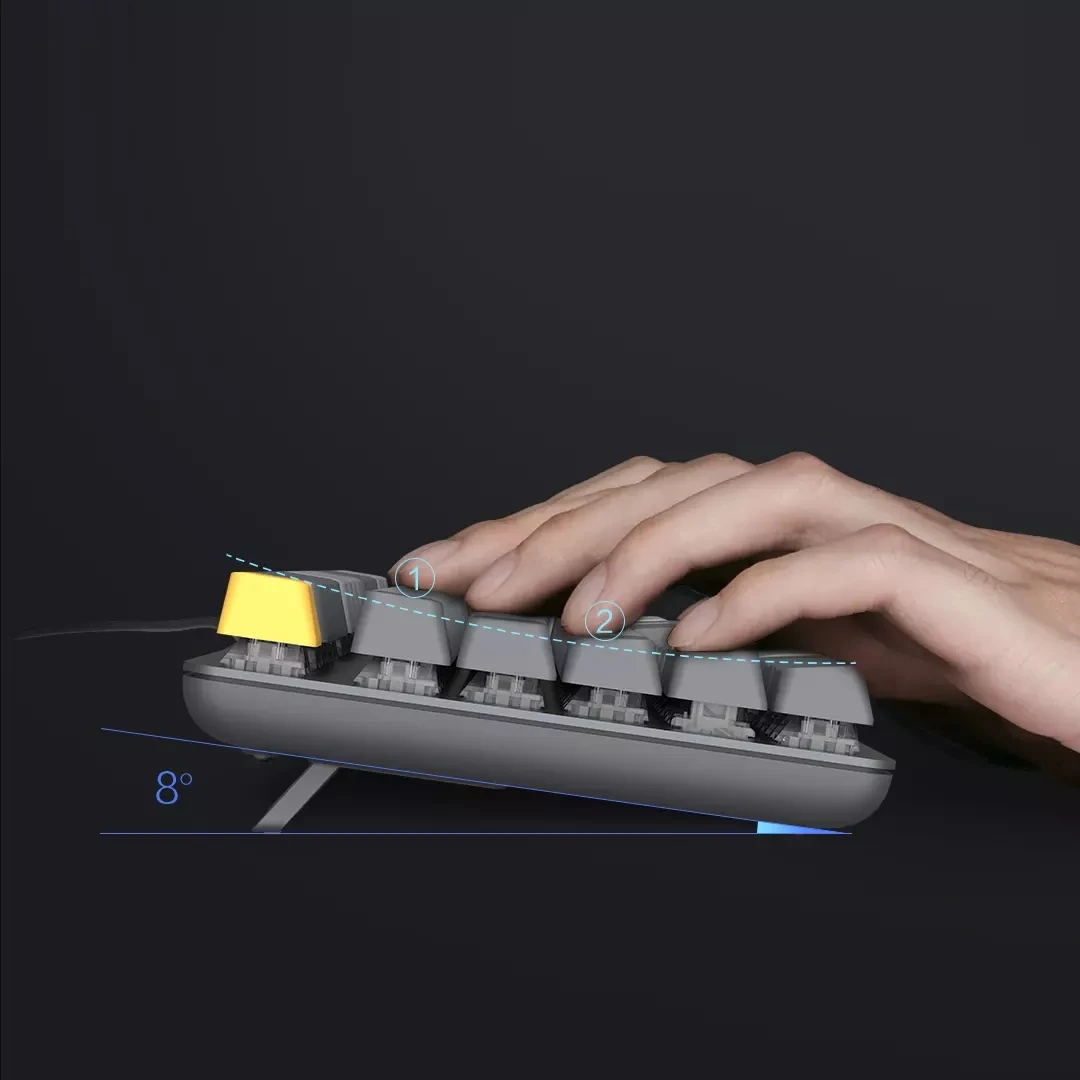
Specific angle design, more intimate input
4 kinds of height keycaps, arc-shaped design, fit the trajectory of finger movement.
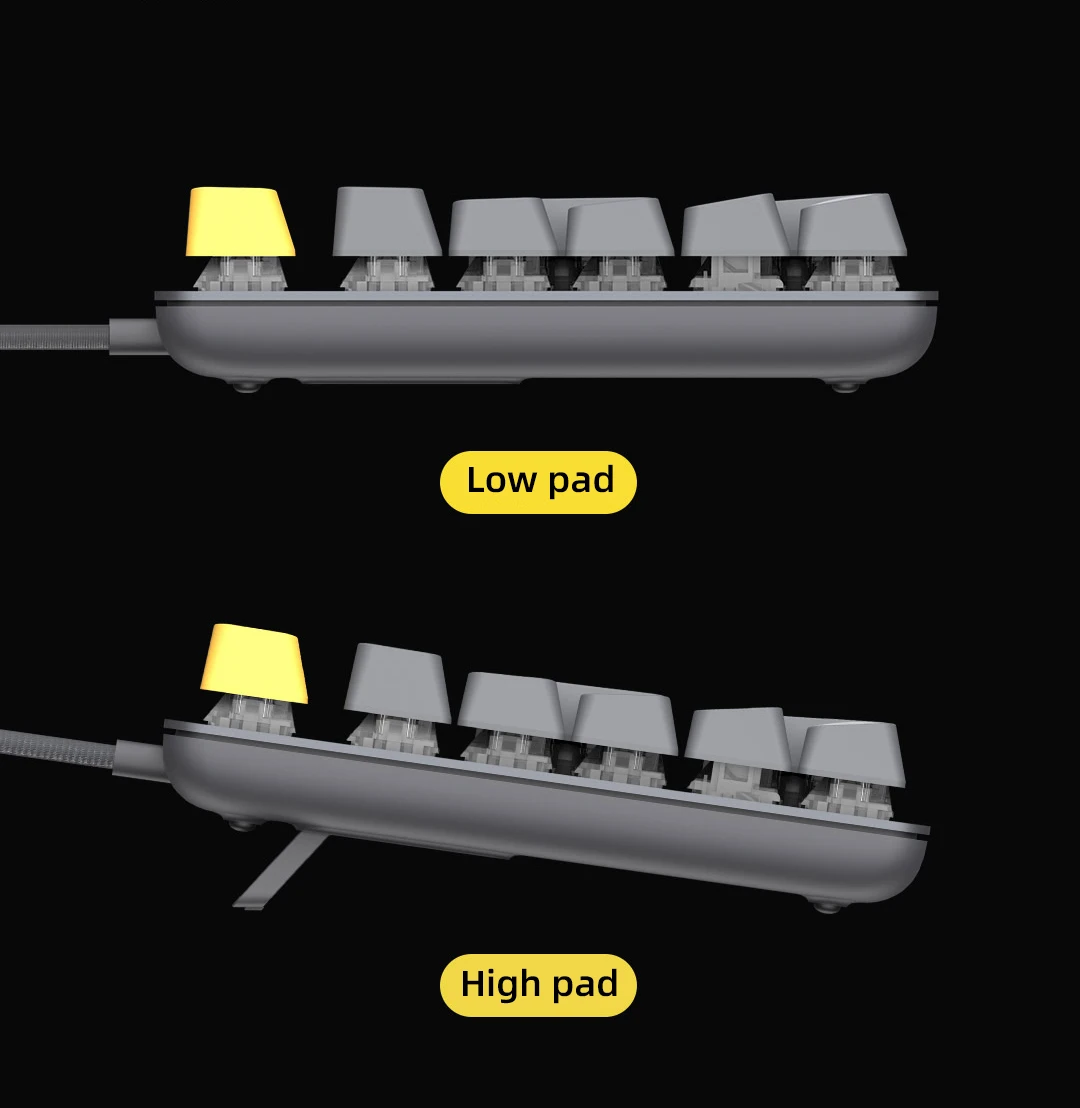
The 8-degree tilt foot pad makes the angle more comfortable and relieves wrist fatigue.
*The above data are all from Miwu Technology Laboratory. Due to changes in the objective environment, the data may be different or error.
Strike the upper part of the keyboard, touch the keys with your fingertips, and the keycaps are slightly tilted backwards
➊Tap the lower part of the keyboard, touch the keys with your fingertips, and the keycaps are slightly tilted forward
8° body tilt angle
104 keys full key
Office shortcut keys are suitable for office software such as PS and PR and playing game,The MIIIW mechanical keyboard G06 supports 104-key full-key response at the same time, making your work faster.
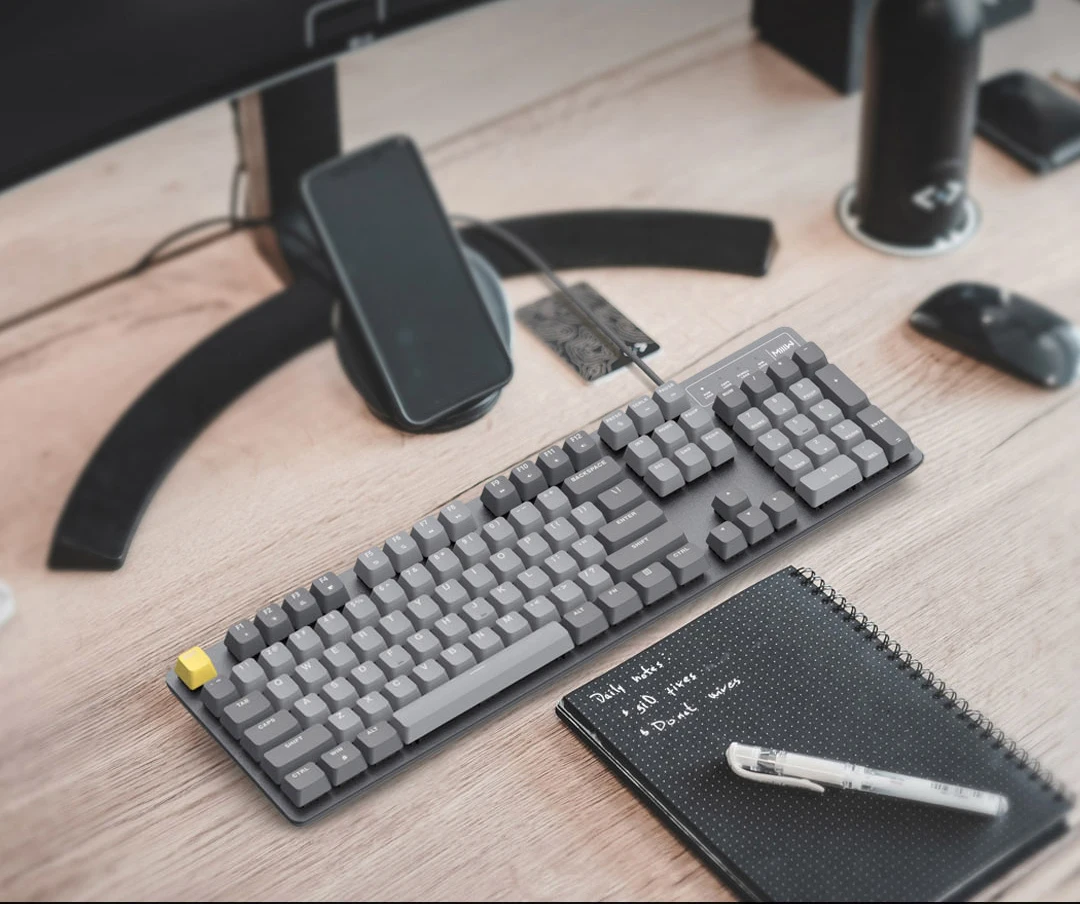
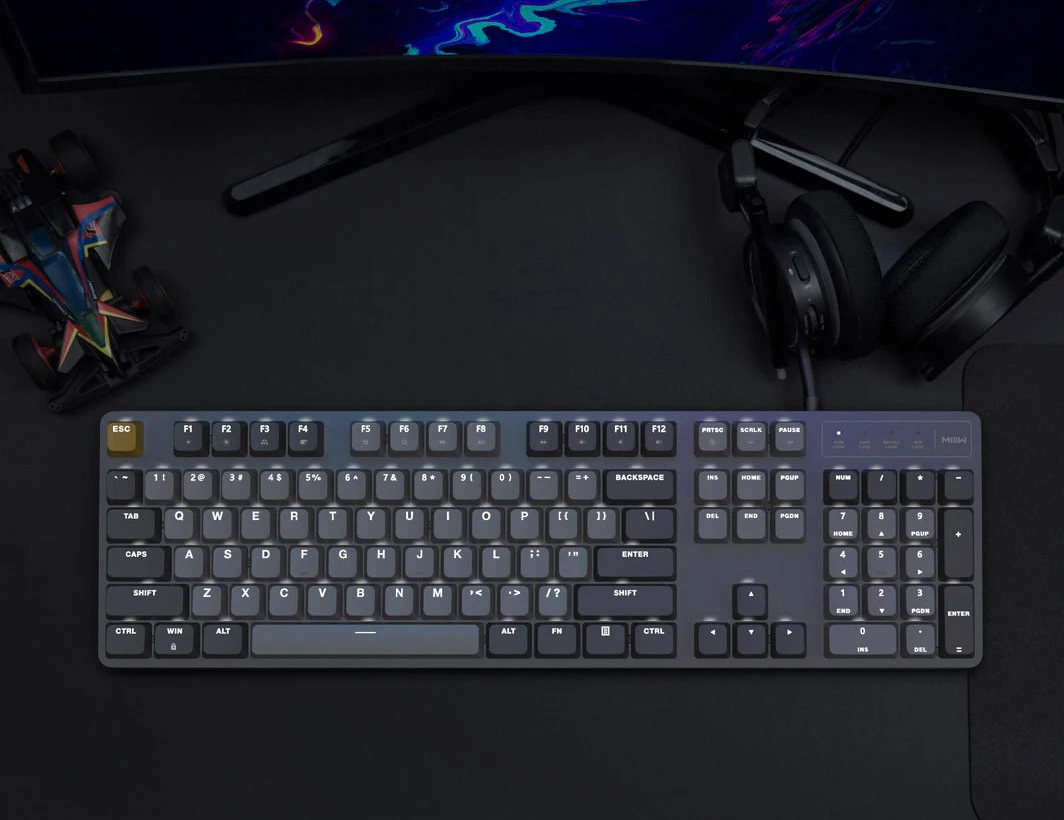
6-mode backlight
The white LED backlight is scattered between the keyboards through the two-color injection molded keycaps. The six backlight modes of starry sky, ray, cross ray, light up, breathe, and constant light will take you into a wonderful game world.
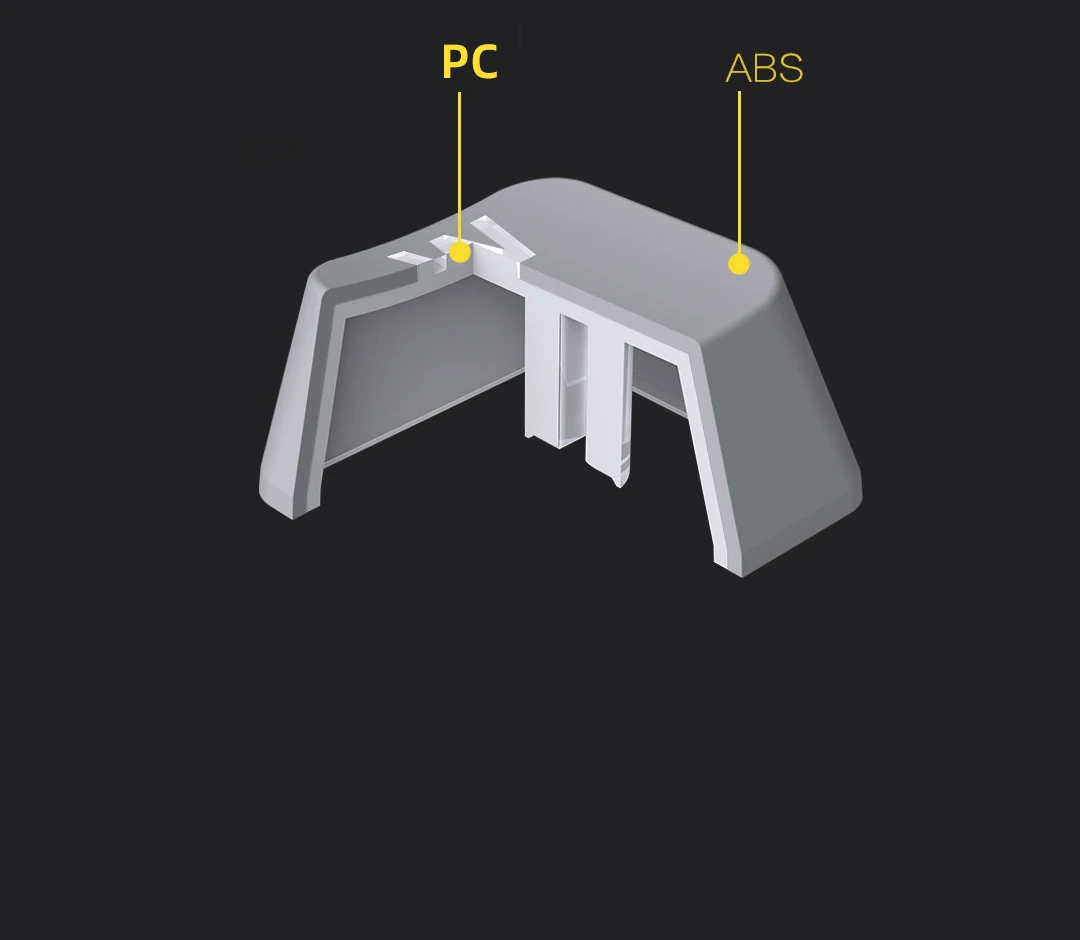
Double color injection-molded light-transmitting keycaps, comfortable to touch and durable
Double color keycaps made of ABS (plastic) + PC (polycarbonate)
Can bring excellent comfortable touch, can well prevent fading and scratching, each keycap can withstand the test of long-term use and is durable. The characters made of PC (polycarbonate) have excellent light transmittance, and the backlight is uniform and pure.
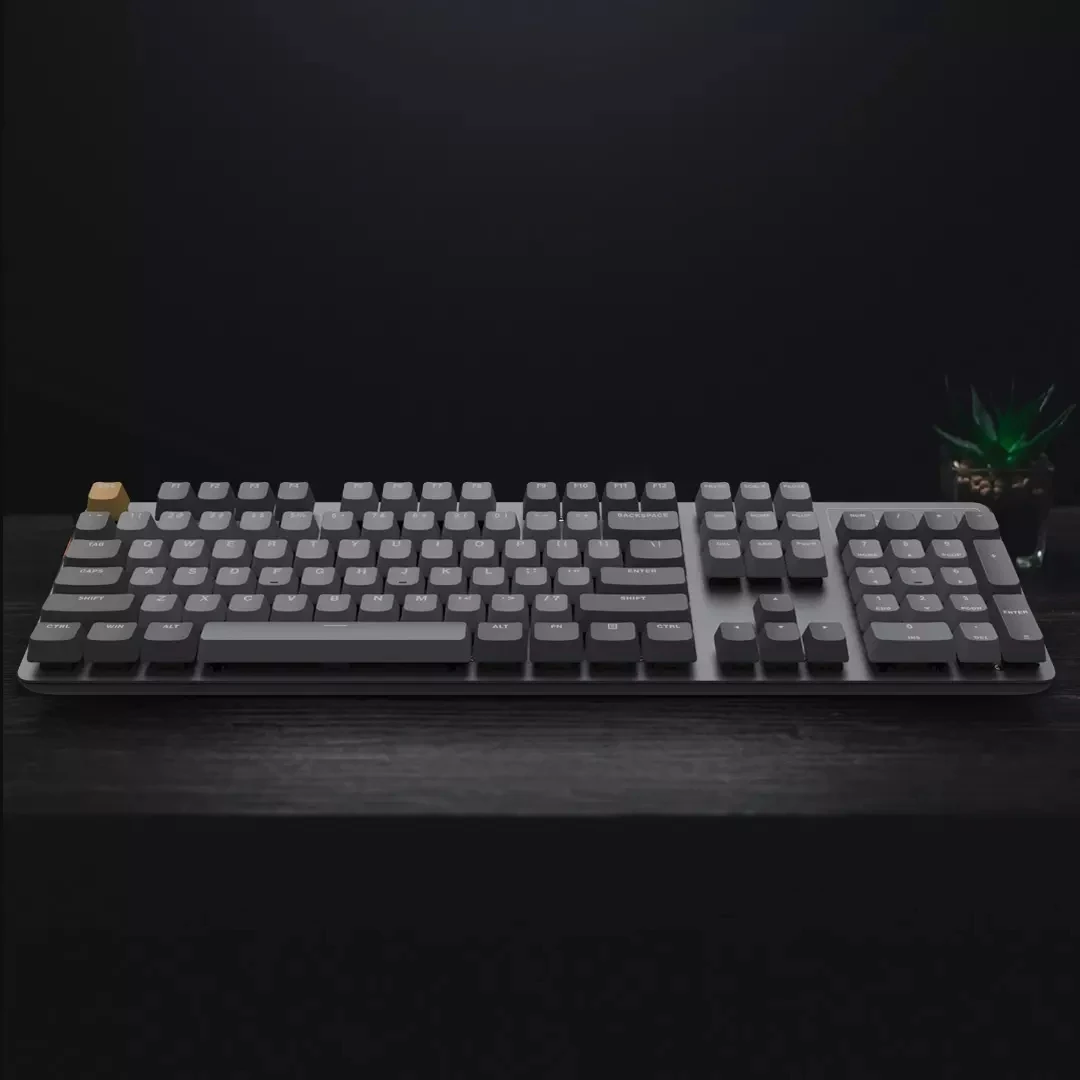
Floating buttons, flexible operation
The keys of MIIIW mechanical keyboard G06 are arranged according to the rules of man-machine use, easy
Clean floating button design, plus large keycap with larger contact area
The design, each button is matched ingeniously and reasonably, the fingertip bounces up and down operation freely and smoothly.
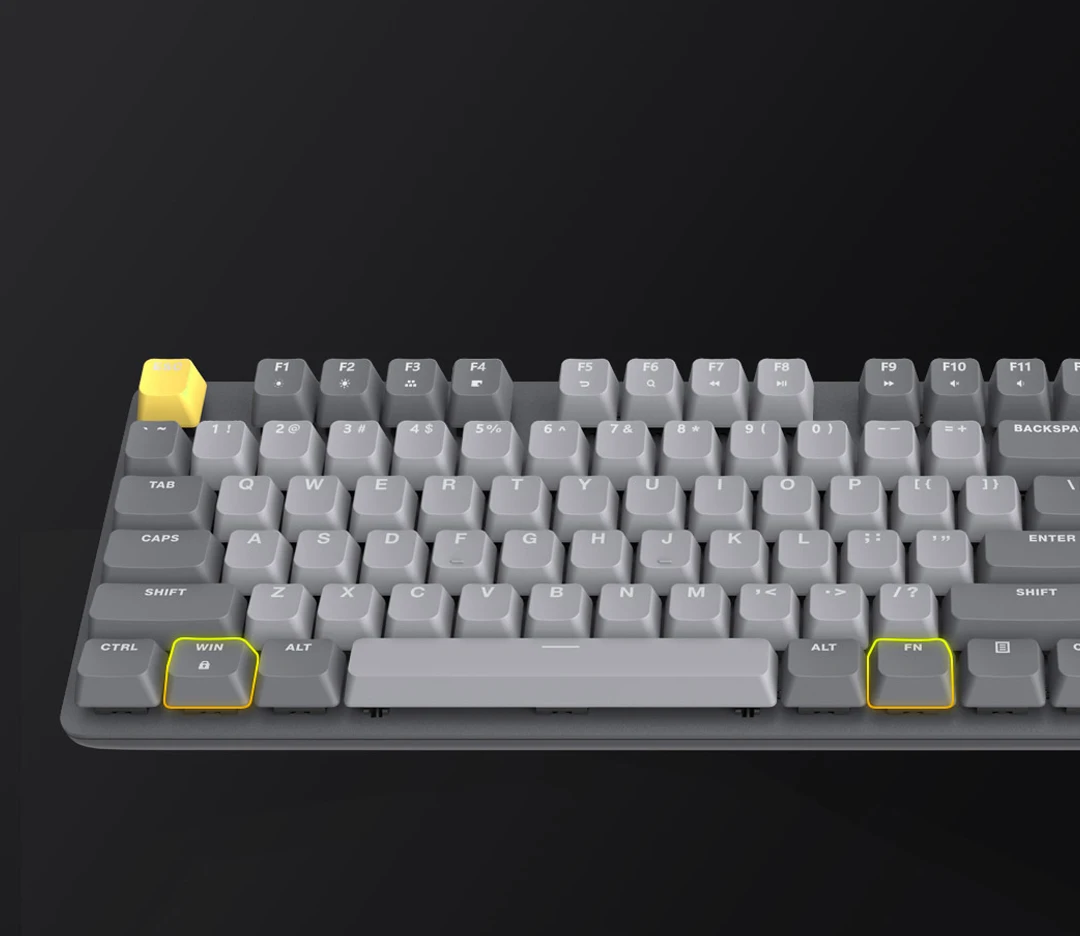
FN+WIN Anti-Mistaken Touch Game Mode
Practical Switch screen
The MIIIW mechanical keyboard G06 has added a practical game mode. Press the FN+WIN key combination to lock or unlock the game mode to prevent players from accidentally touching the WIN key in the game environment and affecting normal operation.
High and low foot pads, flexible to use
The MIIIW mechanical keyboard G06 is equipped with four low foot pads and two stand foot pads. You can freely adjust the height of the keyboard according to your own usage habits, and it is free to lift and fall.
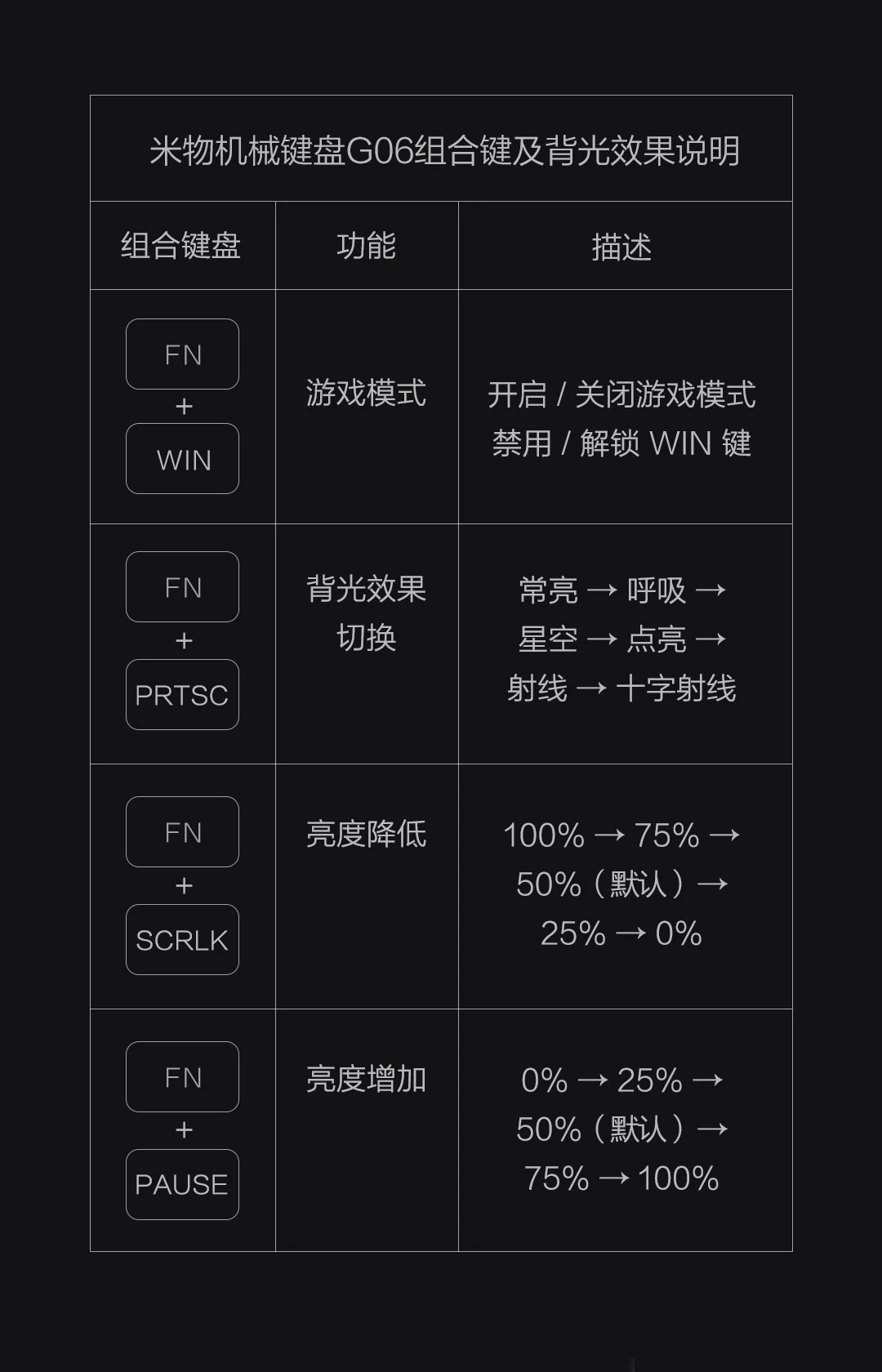
MIIIW mechanical keyboard G06 key combination and backlight effect description
Key & Backlight Effect Operation
FN + WIN Key --- Game Mode
Turn on/off game mode
Lock/unlock WIN key
FN + PRTSC Key --- Backlight Effect Switch
Being on - Breath - Starry sky- light up - Rays - Cross Rays
FN + SCRLK Key --- Brightness Decrease
100% - 75 % - 50%(default) - 25% - 0%
FN + PAUSE --- Brightness Increase
0% - 25% - 50%(default)- 75 % - 100%
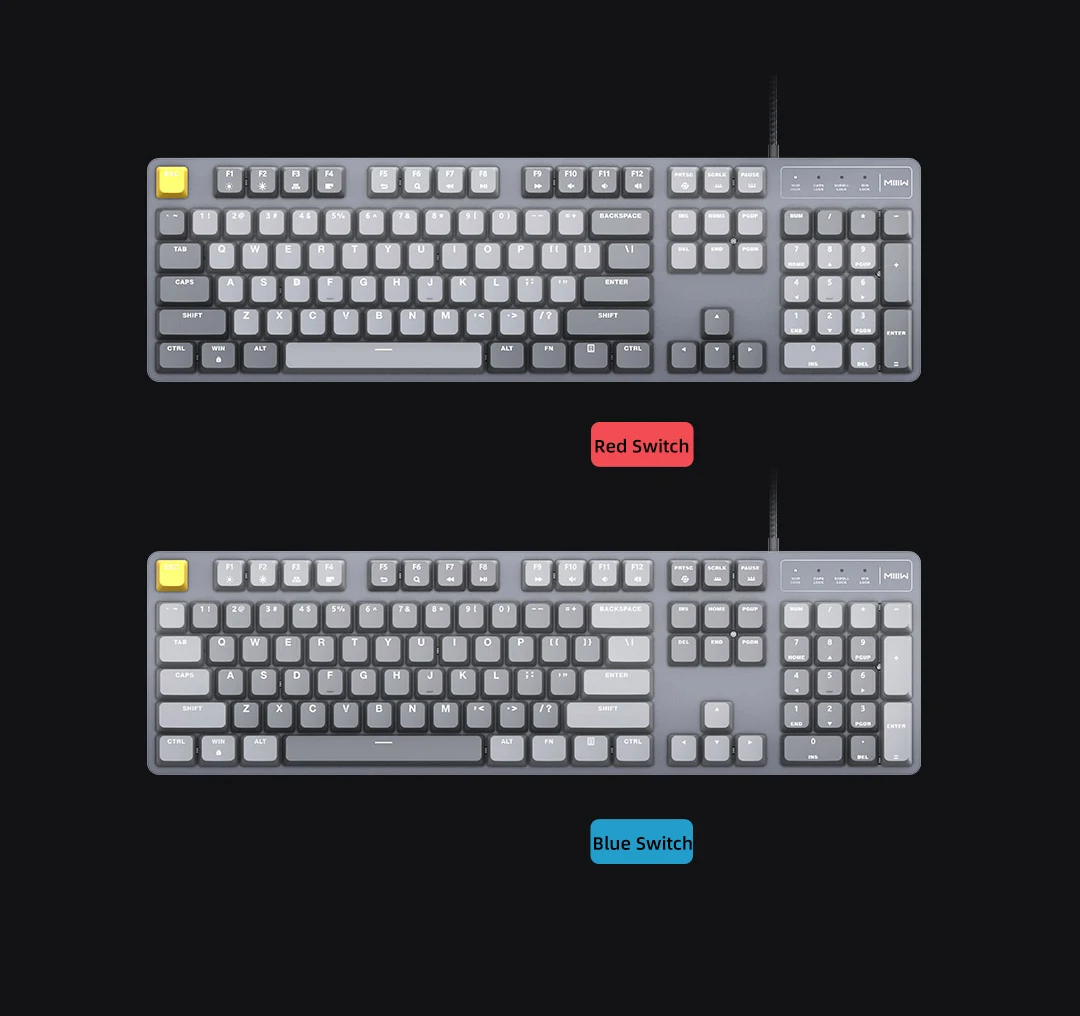
Product color: gray (Red switch light gray, Blue switch dark gray)
تقيمات
لا توجد تعليقات بعد.