International
  Egypt
Egypt 
 UAE
+971525062772
UAE
+971525062772
 Login with Google

-3%





This item is sold by


Description
*This product is only available after purchasing any of AutoCount Accounting Version 2.0 Edition.
Introduction
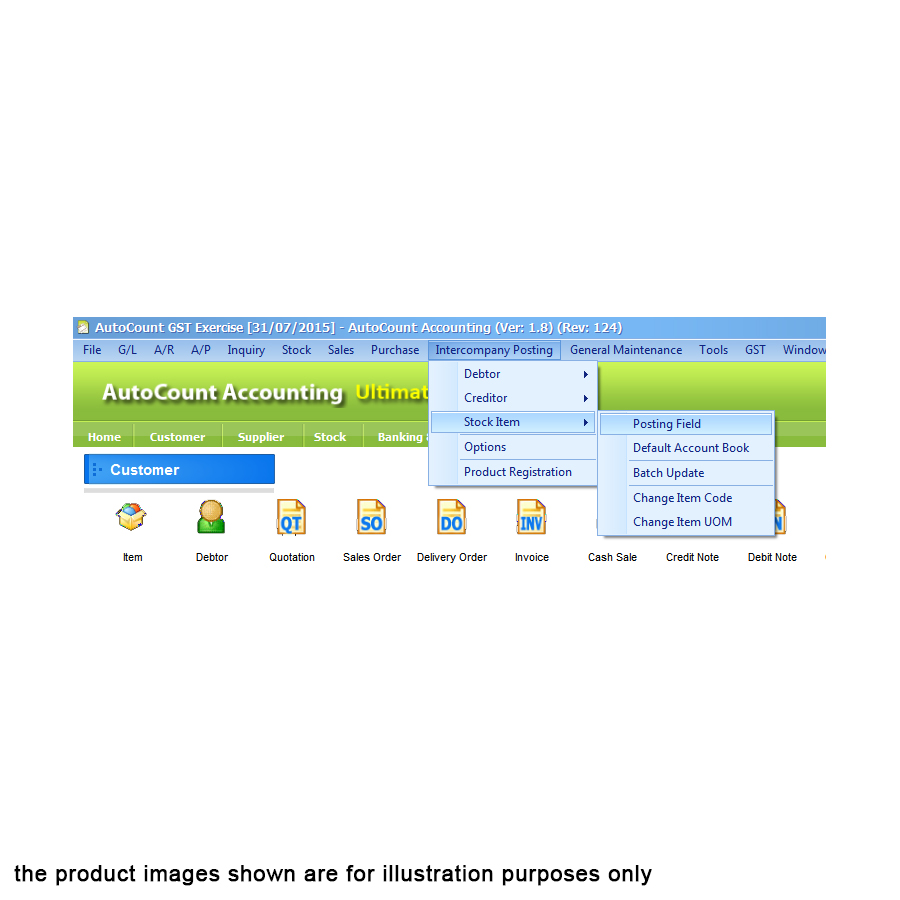
Intercompany Billing, it will auto generate Purchase Invoices in Group Company upon user creating Sales Invoice at Headquarters account book
System Requirements
- AutoCount Version 1.8.8 and above
- AutoCount Basic Version or Scripting module
Features
- Increased productivity and simplified transactions
- Minimized error with one-time entry of information, automated updates
- Efficient, cost effective transactions with HQ and subsidiary companies
Installation
- Launch AutoCount Accounting 2.0 and login the account book that wish to install this plug-in.
- From the top Menu, go to Tools → Plug-in Manager.
- Plug-in Manager screen will appear, click on the “Install” button located on the right side. System will prompt to select a file. Browse for the related .app file.
- A new window will prompt with some basic information of this plug-in. Click on the “Install” button again to proceed.
- A confirmation message will prompt after that. Click “Yes” to confirm the installation.
- A success message will appear after the plug-in is installed correctly.
What In The Box
- 1 x AutoCount Plug-In: Simple Inter-company Billing (Inv->PI, PR->CN)
Warranty
1 Year Limited Warranty
Local Manufacturer Warranty
Reviews
No posts found