International
  Egypt
Egypt 
 UAE
+971525062772
UAE
+971525062772
 Login with Google



30
30
39

Description
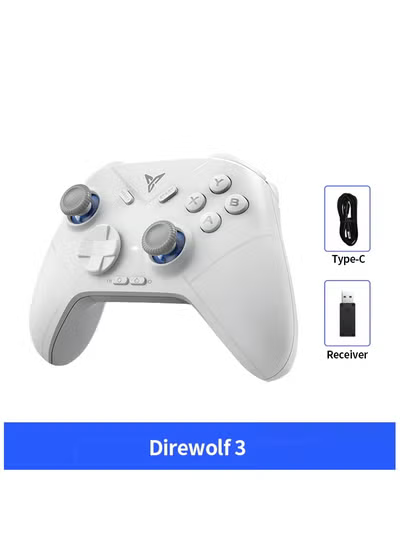
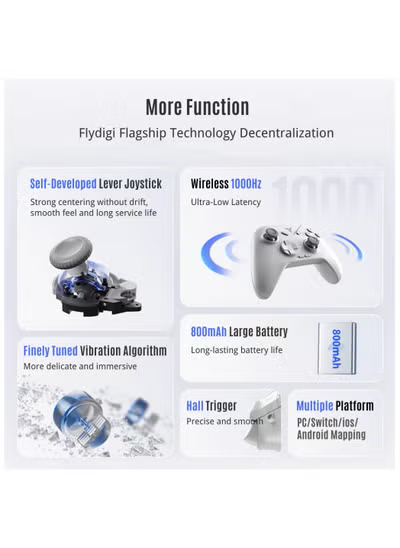
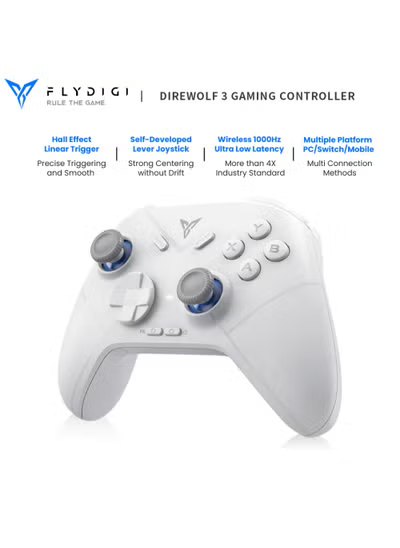
PC wireless receiver connection : 1) Plug the receiver into the computer usb port 2) Push the button on the back of the controller to 1st position 3) Click the HOME button , controller will connect automatically (indicator light will stay White) PC wired connection : 1) Push the button on the back of the controller to 2nd position 2) Connect computer and controller via usb cable (indicator light stay White to indicate success) Nintendo Switch connection : 1) Click the handle icon on the home menu of SWITCH to [Change Grip/Order] 2) Push the button on the back of the controller to NS 3) Click the HOME button , controller will connect automatically (indicator light will stay Blue) IOS Native connection : 1) Push the button on the back of the controller to IOS 2) Click the HOME button , bluetooth name of controller is Xbox Wireless Controller
Reviews
No posts found